
You sit down for the Monday team sync. You start sharing your screen to review the quarterly numbers. Three seconds later, your colleagues freeze. The audio cuts out. You spend the next five minutes apologizing and restarting your router. It disrupts the workflow and frustrates clients.
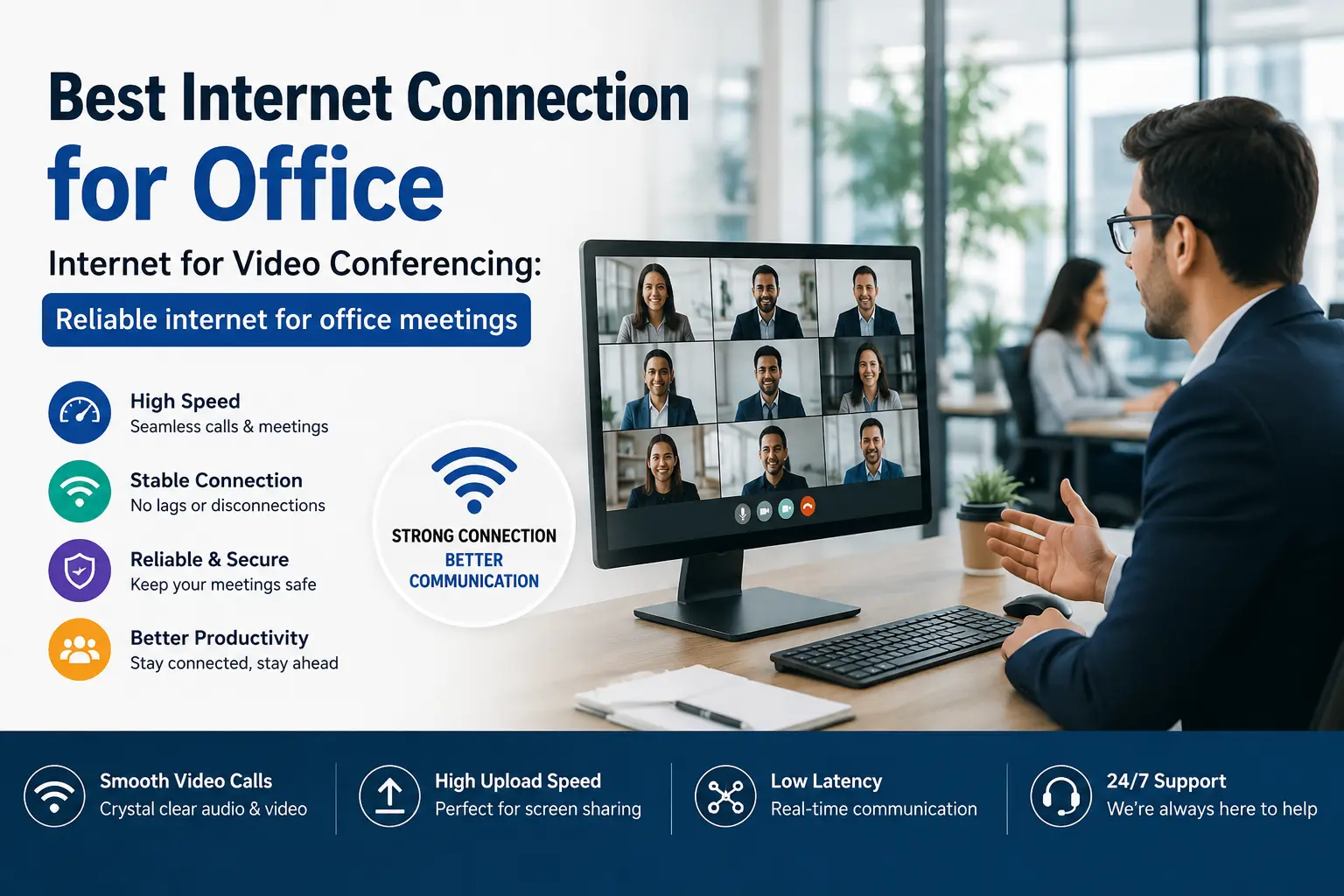
We see this happen constantly with businesses using residential-grade setups for commercial demands. You need a dedicated line. Finding the Best Internet Connection for Office means looking past the advertised download speeds on a billboard and understanding what actually keeps a video call stable.
The Problem with Standard Connections
Download speed gets all the attention in marketing material. Upload speed and latency matter more when you turn your camera on. If your latency is high, people talk over each other. If your upload speed is low, your screen share lags.
Here is a breakdown of what happens when your connection falls short:
| Metric | What It Does | Why It Ruins Calls |
| Ping (Latency) | Measures delay | Delays audio. You end up interrupting people accidentally. |
| Upload Speed | Sends your data | Poor upload makes your video blocky. Your screen shares fail to load for others. |
| Jitter | Ping variation | Causes robotic voices. Audio cuts out randomly. |
| Packet Loss | Data dropouts | Creates frozen screens and complete connection drops. |
Getting the Best Internet Connection for Office solves these baseline issues. You stop worrying about who else in the building is downloading large files.
Upgrading Your Internet for Video Conferencing
When evaluating providers, look at the service level agreement. A standard broadband connection shares bandwidth with other businesses in your area. During peak hours, your speeds drop significantly.
We recommend an Internet Leased Line (ILL) for dedicated access. An ILL gives you a 1:1 contention ratio. You get the exact speed you pay for, regardless of the time of day. This is the foundation of the Internet for Video Conferencing. It handles dozens of simultaneous HD streams without dropping packets.
A standard fiber connection works well for smaller teams, but it still has variables. An ILL removes the variables.
Specs for Reliable internet for office meetings
You have to look at the hardware and the network layout. A good connection entering the building is useless if your internal network fails.
- Symmetrical Speeds: You need 100 Mbps upload if you have 100 Mbps download. Video calls are two-way data streams.
- Wired Connections: Wi-Fi is convenient. Ethernet cables are stable. Plug your conference room devices directly into the network. This eliminates wireless interference from walls, microwaves, and other devices.
- Failover Systems: Set up a secondary backup connection. If the primary line goes down, the backup activates automatically. You stay online.
- Router Quality: The router your ISP gave you for free five years ago will struggle with heavy traffic. You need business-grade equipment to handle multiple active sessions.
Achieving Reliable internet for office meetings takes proper configuration. We set these parameters up for businesses every day so they never have to think about their network again.
Managing Office Network Traffic
Your network gets congested when everyone logs on at 9 AM. One person might be downloading a massive software update while another tries to host a client pitch.
Quality of Service (QoS) settings fix this. QoS tells your router to prioritize video call data over background downloads. This is a critical feature for any Internet video conferencing setup. It ensures that even if bandwidth is tight, the packets containing voice and video data get through first.
You can configure these settings on most business-grade routers.
Finding the Best Internet Connection for Office
Check what infrastructure is available at your physical address. Fiber-optic cables deliver the highest speeds and lowest latency. Copper lines degrade over distance.
Ask potential providers about their repair response times. A four-day wait for a technician hurts your business. You need a provider who guarantees uptime and rapid fixes. This is the difference between a frustrating week and a minor inconvenience. We prioritize local support because long wait times are unacceptable.
Securing Your Network
Security matters when you share screens containing financial data. A dedicated line isolates your traffic from the building next door. We install managed firewalls to actively filter incoming threats.
Reliable internet for office meetings means knowing your internal documents stay internal. Unsecured connections invite trouble.
Poor network infrastructure ruins daily operations. Stop apologizing for dropped calls. We build robust networks that handle your heaviest demands without breaking a sweat. Visit R2 Net to fix your office connectivity.
FAQs
What speed do I actually need for video calls?
- A single HD stream takes about 4 Mbps of symmetrical bandwidth. Calculate your total user count. If 15 team members run daily client calls simultaneously, you need at least 60 Mbps of pure, uninterrupted upload capacity.
Why does my video lag if I have a gigabit connection?
- Gigabit often just refers to your download speed. Video conferencing requires you to send data out. If your upload capacity is weak or if your network latency spikes above 50 milliseconds, your video will freeze.
What is an Internet Leased Line?
- It is a private fiber connection running directly to your server room. You do not share the bandwidth with other businesses on your street. You get the exact speed you pay for at all hours.
Can I force my network to prioritize video calls?
- Yes, through Quality of Service (QoS) configurations. We program the router to push voice and video packets ahead of routine web browsing. Someone downloading a massive software update in accounting will just have to wait a little longer.