

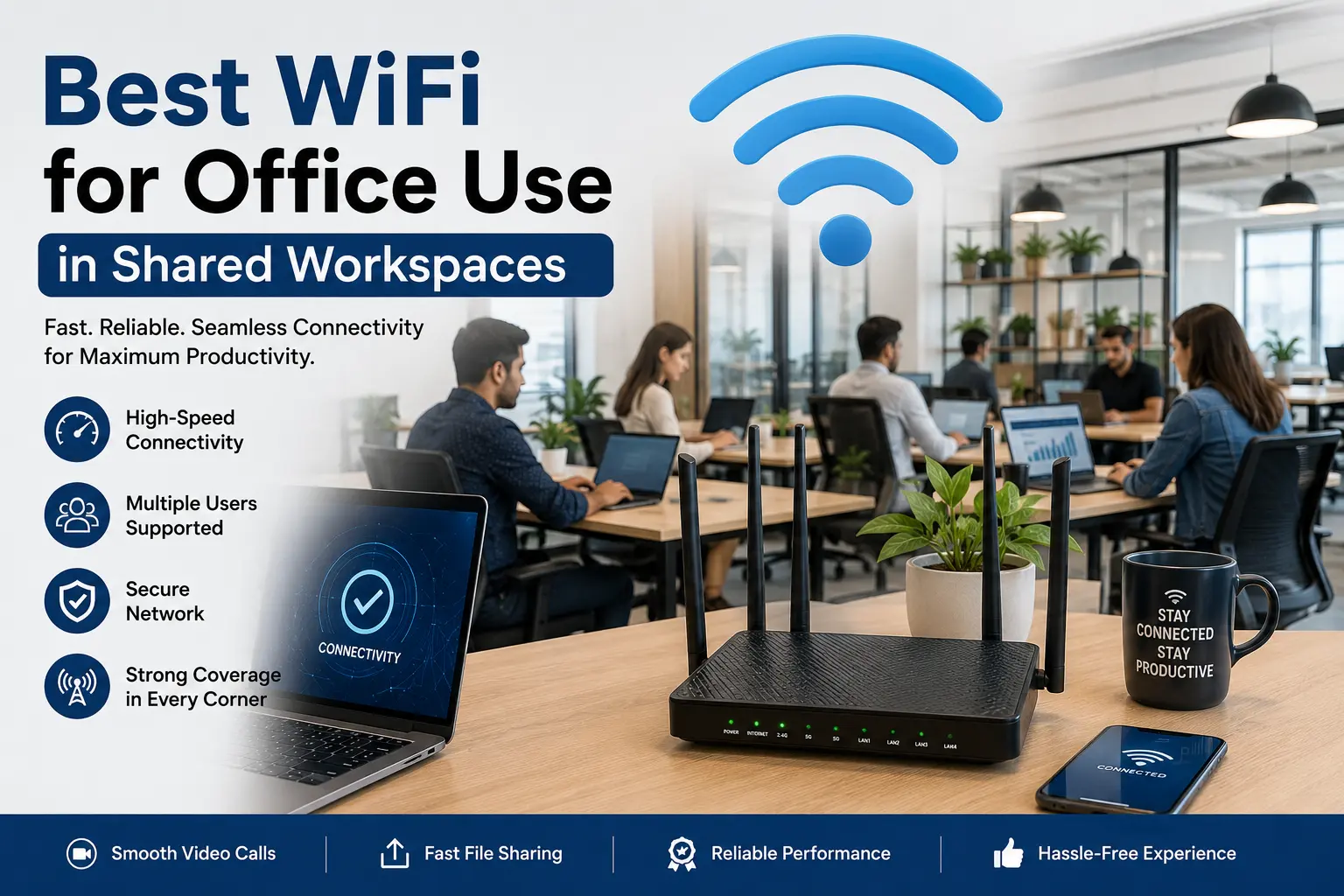
You lease a commercial floor. You buy desks. You pay an ISP to drop a modem in the IT closet. On Monday, 40 freelancers show up. By 10 AM, nobody can hold a Zoom call. The router locks up. People start tethering to their phones. You issue apologies. You reset the box. It happens again at 2 PM.
This happens because off-the-shelf routers are built for a family of four watching Netflix. They are not built for 40 professionals concurrently syncing massive folders, compiling code, and streaming video calls. The processor inside the consumer router overloads. It drops connections to save itself. Finding the Best WiFi for Office Use stops this early-morning panic. You replace single-point failure with distributed, hardwired infrastructure.
Hardware Built for Physical Obstacles
A coworking floor requires access points wired directly to a central switch. We rip out the consumer routers. We run solid Cat6 copper wire through the drop ceiling to specific zones across your floor.
Concrete pillars block signals completely. Glass conference walls bounce signals back into the hallway. You cannot fix bad physical placement with stronger antennas. We look at your floor plan and map where members actually sit. A cluster of hot desks gets high-density access points capable of holding 100 connections. The soundproof phone booths get their own micro-coverage because the acoustic foam kills radio waves. Designing WiFi for shared workspaces means dealing with the physical realities of your specific building layout.
Managing the Traffic Load
You cannot control what your members do online. A graphic designer pulls a 50GB file from the cloud. The startup in the corner runs automated data scraping. Everyone else just wants to check their email. Without proper Office Internet Solutions, the designer and the startup choke the bandwidth. Nobody else gets through. Ping times spike, and VoIP phone calls start dropping audio.
We deploy Quality of Service protocols at the hardware level. This limits the maximum bandwidth draw of any single device. The designer still gets their file; it just takes four minutes instead of two. The rest of the floor stays online without interruption. We prioritize video and voice traffic over background downloads.
When we install the Best WiFi for Office Use, we look at several practical points:
- Device density. If 50 people bring a phone, a laptop, and a smartwatch, your network sees 150 distinct devices fighting for IP addresses.
- VLAN separation. The accounting firm leasing private suite A cannot share a local network with the freelance developer sitting at desk 12. We build virtual walls between them.
- Cabling quality. A bad crimp on a network cable drops throughput from a gigabit to zero randomly. We test every single copper line we run with specialized meters.
Different members tax your infrastructure differently. Here is what we see in actual usage.
| Activity | Minimum speed required | What happens to your network |
| Basic browsing | 2-5 Mbps | Barely registers. |
| Video calls | 15-20 Mbps | Sustained load. Packet loss causes immediate freezing. |
| Cloud sync (heavy) | 50 Mbps+ | Spikes bandwidth usage drastically. Requires throttling. |
Uptime and Failover
Internet providers go down. A construction crew down the street cuts a fiber line. A routing issue at the ISP level drops your block offline. Your members do not care whose fault it is. They just know they cannot work, and they will blame your facility.
We build redundancy into Office Internet Solutions. We bring in two separate internet lines from two completely different providers. We configure your primary router to watch the first line constantly. If the ping drops, it flips to the secondary line instantly. Your members might notice a two-second lag on a video call. Then they go back to work.
Stopping the Support Tickets
Printing a complex password on a piece of paper guarantees it will end up shared with people who do not pay you. It also means members come to the front desk every time their laptop forgets the network.
We set up captive portals. Members log in once with their billing credentials. The network recognizes their device MAC address forever. It keeps non-members out. Managing WiFi for shared workspaces requires making the daily login process invisible to the user.
We monitor these networks remotely. If an access point drops in sector four, our dashboard flags it before your members complain. Firmware patches deploy at 2 AM on a Sunday. You do not sell internet access, you sell desk space. But if the internet fails, the desk space is worthless. You need the Best WiFi for Office Use to keep your retention rates high. Reliable Office Internet Solutions turn a major liability into a utility you never have to think about. Managing WiFi for shared workspaces is our core focus. We build the physical and digital infrastructure that keeps your floor fully operational. Connect with us at R2 Net.
FAQs
How much bandwidth does a 50-person space need?
- You need at least a 1 Gbps fiber line. People bring three devices each. A gigabit line gives you the overhead to handle usage spikes when multiple people jump on video calls simultaneously.
Why do consumer routers fail in offices?
- The internal processors cannot track the massive routing tables generated by 150+ concurrent device connections. They overheat and drop traffic.
How do you protect member data from other members?
- We configure VLANs. This segments the network traffic. Someone connected to the guest network cannot ping or access a printer or laptop assigned to a dedicated office suite.
What is a dual WAN setup?
- It is a router configuration that accepts two different internet providers. If provider A has an outage, the router pushes all member traffic to provider B automatically.